

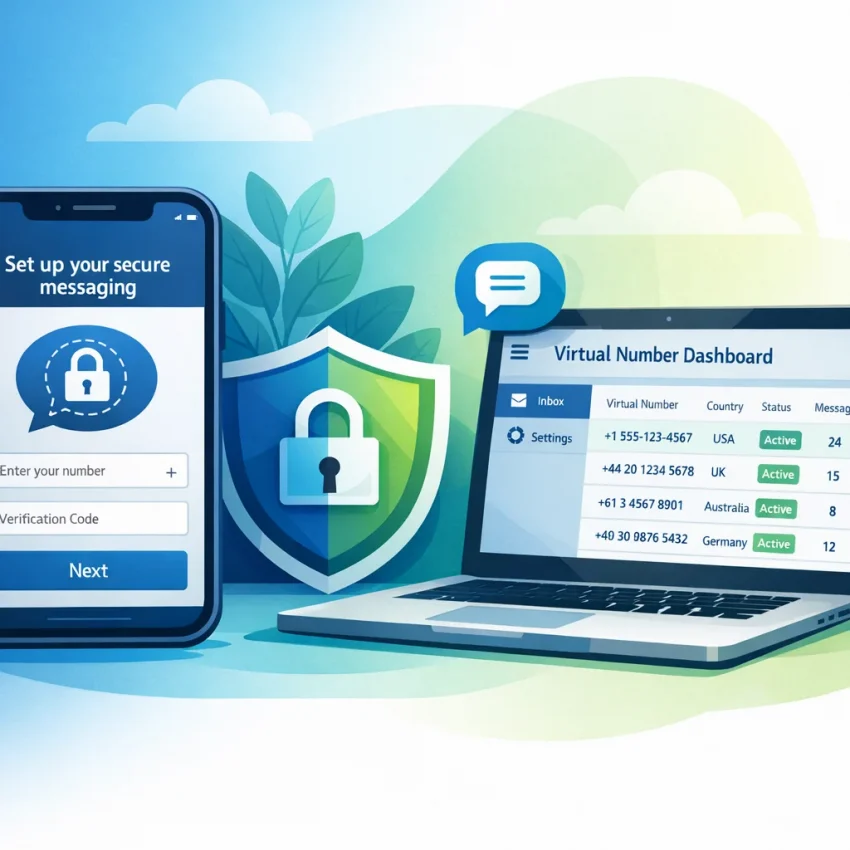
Can You Use Signal Without Your Personal Phone Number?
Yes. You can use signal without phone number exposure if you mean without your personal number. But Signal still requires a phone number for registration. So the practical solution is not a no-number account. It is verifying with a separate virtual number instead of your everyday SIM.
That is why many privacy-focused users choose SmsPva. You can Receive SMS online with a number intended for verification workflows, then use that number during Signal signup. This keeps your personal line out of the process while staying inside Signal’s normal SMS confirmation flow.
People use this setup for privacy, account separation, travel, testing, and cleaner workflow management. Instead of tying Signal to a main personal number, they use a separate verification path that is easier to organize and less exposed.
It is important to keep expectations realistic. A virtual number does not bypass Signal’s checks. Signal may still validate format, send a one-time code, delay delivery, or reject a specific number. Most failures come from country mismatch, formatting mistakes, timing, or a bad retry pattern.
If your goal is to protect your main number, the answer is straightforward: yes, you can register Signal without using your personal number. If your goal is to create a standard Signal account with no number at all, the answer is no.
How Signal Verification Works With SmsPva
The setup flow is simple. You choose Signal on SmsPva, pick a country, copy the number into Signal, wait for the OTP, and enter the code. This is standard SMS verification, not a workaround.
Step 1: Select Signal and choose a country
Start from the Signal SMS verification page. Choosing the service first helps you avoid generic numbers that may not fit the app you want to verify.
Then choose a country. Country choice affects cost, acceptance, and current availability. Copy the number exactly as shown. Do not change the prefix or remove digits. Small formatting errors cause many failed registrations.
Step 2: Enter the number in Signal
Open Signal and start registration with the number from SmsPva. Make sure the country selector in Signal matches the number country. If the app is set to the wrong country, the request may fail before the code ever arrives.
Step 3: Wait for the SMS and enter the latest code
After submission, Signal sends a one-time password by SMS. Return to SmsPva and wait for the incoming message. When it arrives, enter the newest code only. If you request multiple codes too quickly, older ones often stop working.
Do not spam the resend button. Wait a moment, refresh your order status if needed, and only retry once the original wait window has passed. A clean sequence works best: choose number, request code, receive code, enter code immediately.
The Most Common Signal Verification Problems Users Hit
Most Signal verification failures fall into a few predictable categories. Once you identify the type of problem, fixing it gets much easier.
1. Signal verification code not received
This is the most common issue. The code may be delayed, the number may have a temporary delivery problem, or the number may have been entered incorrectly. In many cases, the app country and the number country do not match, which makes the request fail silently.
2. The number is invalid or unsupported
This usually means one of three things: the number format is wrong, the wrong country is selected in Signal, or Signal is not accepting that number route at that moment. Repeating the same failed entry rarely helps.
3. Signal registration failed after entering the OTP
If you received the code but registration still fails, the cause is often an expired OTP, an older code from a previous resend, or a messy session with several attempts stacked together.
4. Country mismatch
If you choose one country on SmsPva but use another inside Signal, verification can fail before SMS delivery. This is easy to miss and very common with international users.
5. Too many retries
Rapid retries create confusion. You may end up with several codes, uncertain session state, or temporary friction in the app. One active attempt at a time is the safest rule.
6. Reused-number or registration-state concerns
Sometimes the issue is not delivery. It is the registration state tied to that number. If Signal behaves like the number is unsuitable for your current attempt, switching to a fresh number is often faster than forcing another retry.
How to Fix Each Issue: A Practical Troubleshooting Checklist
Use this checklist before burning more attempts.
Problem: Signal verification code not received
Likely causes: delivery delay, wrong format, country mismatch, or too many resend requests.
What to do: Confirm the number and country code are correct. Wait briefly before retrying. If nothing arrives after a clean attempt, switch to a fresh number instead of looping on the same one.
Best next step: retry once after a short pause, then change numbers.
Problem: Signal says the number is invalid or unsupported
Likely causes: app country does not match the number, formatting errors, or temporary route rejection.
What to do: Re-enter the number in international format and make sure you are not adding the prefix twice. If Signal still rejects it, stop forcing the same number and test another one.
Best next step: fix formatting first, then switch numbers or countries.
Problem: Signal registration failed after entering the code
Likely causes: expired code, wrong code, or several OTP requests in one session.
What to do: Use only the newest code for that exact number. If you requested several OTPs, restart the registration flow and keep the next attempt clean.
Best next step: restart with one fresh attempt.
Problem: You retried too many times
Likely causes: stacked requests and session confusion.
What to do: Stop for a few minutes. Then run one careful attempt from start to finish. Avoid working with multiple Signal verification sessions at the same time.
Best next step: pause and reset your flow.
Problem: Country mismatch or poor country choice
Likely causes: the selected number country and the Signal app country do not align, or one country option keeps failing.
What to do: Match the country exactly every time. If one country repeatedly causes problems, switch cleanly instead of repeating the same pattern.
Best next step: align country settings, then test another country after repeated failures.
Problem: You need more guidance
If you have checked formatting, timing, country alignment, and the latest OTP but still cannot complete signup, use the SmsPva Help page for support and troubleshooting guidance.
Choosing the Right Country and Number Type for Signal
Country choice affects both workflow and cost. It is not just a price decision. The right country depends on your registration context, current availability, and how well the app accepts that route.
United Kingdom vs United States
At the time of writing, SmsPva listed Signal single-SMS verification in the United States at $2.01. For the United Kingdom, listed Signal single-SMS pricing was $0.77, with one UK variant listed at $0.50. These are API snapshots from 2026-08-29, not guaranteed future prices.
If you want a UK-specific option, you can review Signal verification in Unt. Kingdom. Lower cost can be attractive, but acceptance and workflow fit matter more than headline price.
A U.S. number may make sense if your account context is U.S.-focused. A UK number may be a practical test path if it matches your use case and current availability. If one country keeps failing, switch rather than repeating the same unsuccessful setup.
One-time SMS verification vs rented number
For most users, a one-time verification number is enough. You only need the OTP to finish registration. That keeps the process simpler and usually more cost-effective.
A rented number is more relevant when you need a longer-running setup or continued access to the same line during testing or extended workflows. If that fits your use case, SmsPva also offers a Signal SMS verification rental option.
Best Practices for Privacy, Reliability, and Fewer Verification Errors
If you want Signal without exposing your personal number, the best results come from a calm, organized process.
Use a clean setup flow
Choose the number, confirm the country, request one code, and enter it right away. Do not switch between several numbers or devices mid-process. Keep one active verification attempt at a time.
Match the region exactly
Always align the selected number country with Signal’s country selector. This single check prevents many invalid-number and no-code problems.
Avoid panic retries
If the code does not appear immediately, do not keep pressing resend. Wait, monitor the order, and use only the newest OTP. Fast retries often create the very problem users are trying to solve.
Stay organized
If you manage multiple setups, keep simple notes on the country, number, and request time. Session discipline matters when you want privacy and fewer mistakes.
Use SmsPva as a repeatable workflow
SmsPva works best as a structured process for private Signal signup. Instead of improvising with random sources, you use a service-specific flow built for SMS verification. That gives you a clearer path, fewer setup errors, and better separation from your personal number.
In short, Signal still needs a number, but it does not have to be yours. If you want a practical way to handle Signal verification while protecting your main line, SmsPva is the simplest workflow to start with.
Frequently Asked Questions
Can I create a Signal account without using my personal phone number?
Yes. You can register with a separate virtual number instead of your personal one. Signal still requires a number for standard registration.
Why is my Signal verification code not arriving?
The usual causes are delivery delay, wrong number format, country mismatch, or too many resend attempts. Check the basics first, then switch to a fresh number if needed.
Does Signal accept virtual numbers for SMS verification?
It can, but acceptance is not guaranteed for every number or moment. That is why service-specific selection and clean setup matter.
What should I do if Signal says the number is invalid or unsupported?
Check the country selector and number format first. If both are correct, stop retrying the same number and try another one or a different country.
Which country should I choose for Signal verification on SmsPva?
Choose the country that best matches your intended account context and current availability. If one country keeps failing, test another instead of repeating the same route.
Is there a difference between one-time Signal SMS verification and a rented number?
Yes. One-time verification is for receiving the OTP during signup. A rented number is more suitable when you need a longer-use workflow.
How much does Signal verification cost on SmsPva?
At the time of writing, API snapshots listed Signal single-SMS verification at $2.01 for the United States, $0.77 for the United Kingdom, and one UK variant at $0.50. Live pricing can change.
Where can I get help if Signal verification still fails?
Use the SmsPva Help page for troubleshooting guidance if formatting, timing, and country checks do not solve the issue.