

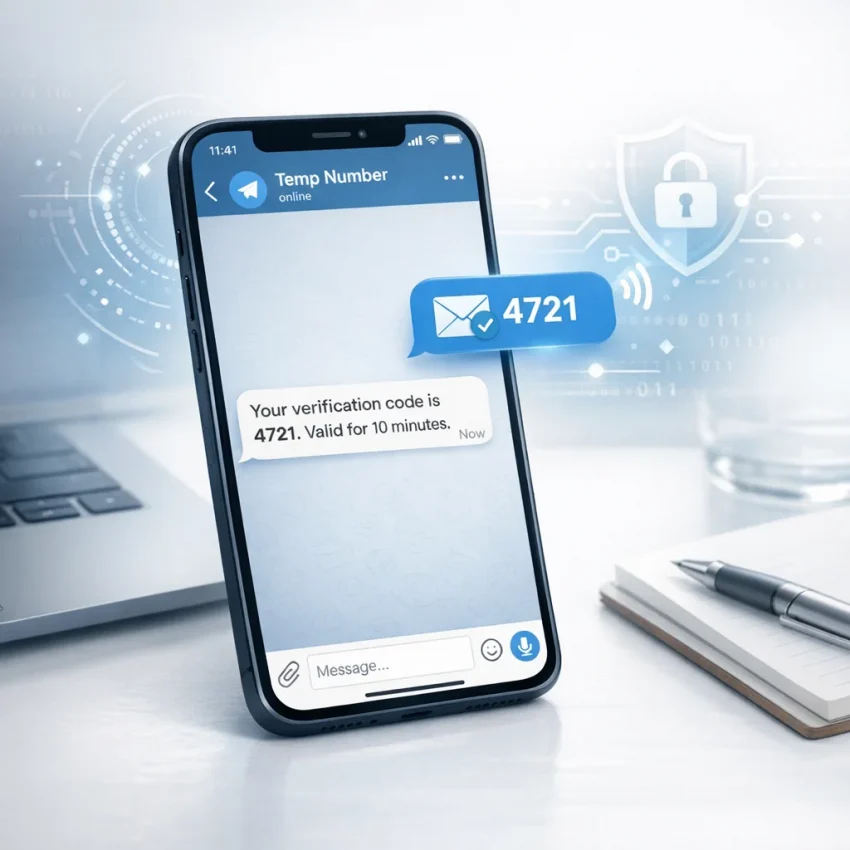
How to Buy a Temporary Number in Telegram for SMS Verification
If you need a fast way to receive one-time passwords, confirm a new account, or separate personal and work registrations, buying a temporary number directly inside Telegram can be one of the simplest workflows available. Instead of switching between multiple apps and websites, users often prefer a quick in-messenger process that helps them get a number, receive a code, and move on.
In this guide, you’ll learn how temporary numbers in Telegram work, why people use them for SMS verification, what to check before buying, and how to choose a practical provider. If your goal is speed, convenience, and a smoother verification flow, using SMSPVA can be a straightforward option to explore.
Why People Look for Temporary Numbers in Telegram
Telegram has become more than a messaging app. For many users, it is also a convenient place to access services, automate small tasks, and manage online workflows. That is why interest in temporary phone numbers inside Telegram keeps growing.
Common reasons include:
- Registering accounts without using a personal number
- Receiving one-time SMS codes for sign-ups and activations
- Testing services or creating separate work profiles
- Managing verification steps from one familiar interface
- Reducing friction when you need a number quickly
For users who already spend time in Telegram, accessing a Telegram bot for verification can feel faster than opening a traditional website each time they need a code.
What Is a Temporary Number for SMS Verification?
A temporary number is a virtual phone number used to receive SMS messages, especially one-time passwords and account activation codes. These numbers are commonly used for:
- Social media registrations
- Messenger account verification
- Marketplace sign-ups
- Email platform confirmation
- Testing app onboarding flows
Instead of tying every registration to your personal SIM card, a temporary number can help keep specific tasks separate. This is especially useful for marketers, freelancers, traffic specialists, testers, and privacy-focused users who want cleaner account organization.
Can You Buy a Temporary Number Directly in Telegram?
Yes, many users now search for ways to complete the full process inside Telegram: choose a service, pick a country when available, pay, and receive the SMS code. That is exactly why tools like the SmsPva bot telegram attract attention from users who want a fast and simple path.
Rather than navigating a complicated dashboard, the process is usually streamlined into a chat-based flow. This can make the experience easier for beginners while still being efficient for advanced users handling multiple verifications.
How the Process Usually Works
If you are new to buying temporary numbers through Telegram, the general workflow is simple:
- Open the service bot in Telegram
- Select the platform or service you want to verify
- Choose a country or number type if options are available
- Get a virtual number
- Use that number during registration
- Wait for the verification SMS to arrive
- Copy the code and complete activation
This model is popular because it reduces extra steps. If your goal is to Receive sms in Telegram, a bot-based workflow can save time, especially when you need to complete verification quickly.
Step-by-Step: How to Buy a Temporary Number in Telegram
1. Open the bot
Start by opening the provider inside Telegram. A quick way is to View Telegram bot and review the available options.
2. Choose the service you need
Many SMS verification platforms support service-specific flows. For example, users may need numbers for messaging apps, social networks, marketplaces, email providers, or AI tools. Selecting the right destination helps align the number with your intended use case.
3. Review available countries or routing options
Depending on the provider and service, you may see different country-based availability. This matters because some platforms have regional verification rules or varying delivery reliability.
4. Buy the number
Once you confirm the service, the bot issues a number for your verification attempt. Then you paste that number into the registration form on the target website or app.
5. Wait for the code
After the platform sends the SMS, the code appears in the Telegram interface if the routing is successful. This lets you complete the process without jumping between too many systems.
6. Finish verification
Copy the SMS code into the target platform and finalize the registration or account activation.
Benefits of Buying a Temporary Number in Telegram
There are several reasons this approach is popular among both casual and advanced users:
- Convenience: everything happens in one place
- Speed: less time spent navigating interfaces
- Workflow simplicity: ideal for repeated verification tasks
- Account separation: helps keep projects organized
- Accessibility: easy to use from desktop or mobile Telegram
For many people, using Telegram as the access point is the main advantage. They already use the app daily, so adding verification tasks into the same environment feels natural.
Who Commonly Uses Temporary SMS Numbers?
Temporary numbers are used by a wide range of audiences, including:
- Freelancers managing client accounts
- Affiliate marketers testing funnels and sign-up flows
- Developers and QA teams checking registration experiences
- Privacy-conscious users avoiding unnecessary exposure of personal numbers
- Entrepreneurs separating business and personal activity
Not every user needs a long-term second SIM. In many cases, a temporary verification number is enough for a specific one-time task.
What to Check Before Choosing a Provider
Not all services are equally convenient. Before buying a temporary number through Telegram, it helps to look at a few practical factors:
- Supported services: make sure the platform you need is listed
- Country availability: useful when region matters
- Interface clarity: a simple bot flow saves time
- Support resources: helpful when a code is delayed or a route is unavailable
- Additional tools: some users also need proxy workflows for account separation
If you want a website option alongside the Telegram experience, the SMSpva site can be useful for browsing available services, support pages, and additional product categories.
Practical Use Cases
Creating a work-only account
If you are setting up a marketplace or social profile for freelance activity, using a temporary number can help keep your personal number separate from client-facing operations.
Testing a sign-up flow
Developers and testers often need to verify how registration behaves across services. A temporary number can help validate OTP delivery and activation steps.
Running short-term campaigns
Marketers sometimes need quick account setups tied to specific projects. A Telegram-based verification process can reduce setup time when multiple steps must be completed efficiently.
Why SmsPva Fits This Workflow
SmsPva is positioned around virtual phone numbers for SMS verification, OTP receipt, account activation, service-specific verification flows, and privacy-oriented workflows. For users specifically searching for a Telegram-friendly path, that combination makes sense.
Instead of forcing users into a single format, the service ecosystem includes website access, service-focused pages, and Telegram-based interaction. This gives users flexibility depending on whether they prefer a browser workflow or a messenger-first experience.
Another point worth noting is the availability of a Referral system for users who want to share the service with others and participate in a partner-oriented model.
If that is relevant to your audience or community, you can also check Earn Together with SMSPVA to understand how the program is presented.
Common Mistakes to Avoid
- Choosing the wrong target service before getting the number
- Delaying too long before entering the number into the registration form
- Ignoring country compatibility when the platform has region-specific rules
- Using a verification workflow without checking the provider’s support resources
- Expecting every platform to behave the same way during OTP delivery
A little preparation can make the process much smoother, especially if you are handling verification under time pressure.
FAQ
Is buying a temporary number in Telegram difficult?
No. For most users, the process is simple: open the bot, choose the service, get a number, and wait for the SMS code.
Why do people prefer Telegram for SMS verification workflows?
Mainly because it is fast and familiar. Many users already spend time in Telegram, so completing verification there reduces friction.
Can temporary numbers be useful for privacy?
They can help separate personal and task-specific registrations, which is one reason privacy-focused users often choose them.
Do temporary numbers only work for one platform?
That depends on the provider and the supported services. Many platforms offer service-specific verification flows for different categories of websites and apps.
Is a Telegram bot enough, or should I also use the website?
That depends on your preference. Some users like the speed of a bot, while others also want website access for browsing services, reading help content, or exploring extra tools.
Final Thoughts
If you are searching for the easiest way to buy a temporary number in Telegram for SMS verification, a bot-based workflow is often the most practical place to start. It combines speed, convenience, and a familiar interface, which is exactly what many users want when they need a one-time code without unnecessary complexity.
Whether you are setting up a new account, testing a registration flow, or keeping personal and work verifications separate, Telegram-based access can simplify the process. If you want a clean starting point, explore the bot experience and see whether it matches your workflow needs.
For users who value a quick setup and messenger-first verification flow, trying the bot is a natural next step.