

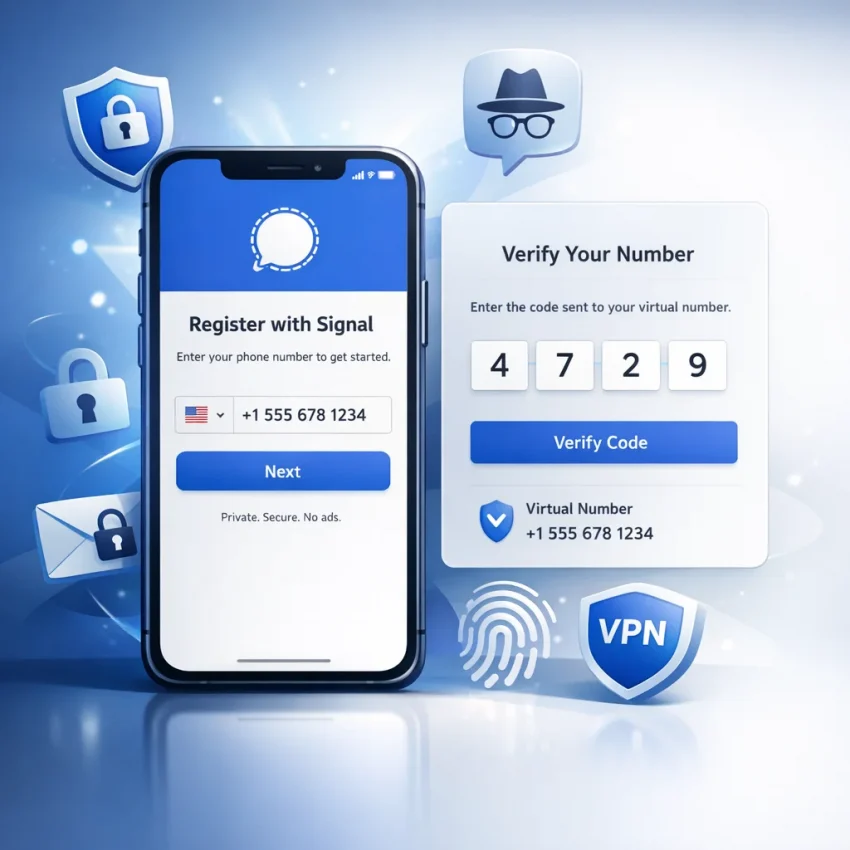
Many people want Signal without phone number exposure for a simple reason: they do not want their main mobile number attached to every app account they create. Even when Signal protects message content well, signup still begins with a phone number. For privacy-minded users, that creates a gap between secure messaging and personal identity.
This matters in everyday use. Freelancers may want separate client communication. Remote workers often need cleaner work and personal boundaries. Travelers may not want to depend on a home SIM. Others just want better compartmentalization and less exposure of their main number over time.
It is important to be realistic. Signal is not truly number-free at registration. You still need a valid number to receive the verification code. So when people ask how to use Signal without a phone number, they usually mean without using their own personal phone number.
That is where SmsPva fits. You can Receive SMS online with a virtual number, complete the OTP step, and keep your personal SIM out of the signup flow.
What you need before you start
Prepare the app before you request any code. Install the latest Signal app on the device you plan to use. Make sure your internet connection is stable. It also helps to keep Signal open on one screen and SmsPva on another so you can copy the number and OTP without mistakes.
Before getting a number, move through Signal’s setup until you reach the phone number entry screen. This reduces the chance of wasting time during a live verification session. You should also check device permissions and be ready to finish the basic registration flow without interruptions.
Formatting matters. Signal expects a full international number with the correct country code. Copy the virtual number exactly as shown. Do not remove prefixes, add extra zeros, or change the spacing manually.
One-time verification or rented number?
This is the main decision before signup. A one-time verification flow is best when you just need to activate Signal and keep your personal number private. For most people, that is enough.
If you want a more structured setup, or you expect ongoing number continuity to matter for your workflow, a rental-style option may fit better. SmsPva offers a dedicated Signal SMS verification page for standard activation, and a separate rental option discussed later in this guide.
Country choice also matters, but only when it serves your use case. Some users want regional consistency. Others just want a practical available route. Always check the live page instead of assuming stock or availability.
Step-by-step: how to verify Signal with SmsPva
If you want Signal without exposing your personal number, the workflow is straightforward. Use a separate verification number, receive the OTP, and complete setup carefully.
1. Open SmsPva and choose Signal
Start with the Signal-specific flow on SmsPva. Service-specific routing makes more sense than using a generic SMS option because it aligns with the signup you actually need.
2. Pick your country
Choose a country based on fit, not just price. If you want a UK-based setup, check the live Signal verification in Unt. Kingdom page before you continue. For a standard one-time signup, the goal is simple: get a compatible number, receive the code, and complete verification before the session expires.
3. Copy the number exactly
Get the number and copy it in full. Then open Signal, select the same country, and paste the number carefully. Read it back once before continuing. Most failures come from small formatting mistakes.
4. Request the verification code
Tap to receive the SMS in Signal. Then go back to SmsPva and wait for the incoming message. Keep the session active. Avoid repeated retries unless you are sure the first request failed.
5. Enter the OTP promptly
When the code appears, copy it exactly and enter it in Signal as soon as possible. If the code is rejected, stop and check the basics: country, number format, and whether you are looking at the current request.
6. Finish profile setup
Once Signal accepts the code, add your display name and set a strong Signal PIN. If privacy is your goal, avoid profile details that expose your identity more than necessary.
7. Test and document the setup
After signup, send a test message and confirm notifications work. Save a private note with the registration date, country, and number source. That makes future troubleshooting much easier.
Choosing the best country and current cost snapshot
The best country is not always the cheapest one. Your choice should depend on region fit, workflow needs, and what is live on SmsPva when you start. Price snapshots can change, so treat them as current references, not guarantees.
United Kingdom vs United States
At the time of writing, the current API snapshot for Signal in the United Kingdom shows listed routes from $0.50 and $0.58. That can make the UK attractive for budget-focused one-time verification.
At the time of writing, the current API snapshot for Signal in the United States shows $1.75. That is higher than the UK examples, but the US may still make more sense if your work, contacts, or operational separation is US-centered.
A simple rule works well. Choose the UK when lower listed pricing matters most and a UK number fits your use case. Choose the US when regional alignment matters more than cost.
Whatever you choose, enter the number exactly as shown and match the selected country inside Signal to the number you obtained.
Common Signal signup issues and how to fix them
Most problems come from simple workflow mistakes. Start by checking three things: the selected country, the number format you pasted, and whether your SmsPva session is still active.
Delayed SMS code
If you are waiting to receive Signal code online, avoid switching back and forth too quickly or triggering repeated resends. Submit the number once, then monitor the order calmly. If the code does not arrive within a reasonable window, let the current attempt finish before starting over.
Wrong number format
Paste the number exactly as provided. Do not add extra zeros, local prefixes, or symbols. If Signal says the number is invalid, delete the full entry, reselect the country, and paste the number again from scratch.
Retry loops and expired sessions
If Signal keeps returning to the same verification screen, you may be stuck in a retry loop. Close the app fully, reopen it, and continue with one active number only. If your session expired because you waited too long before requesting the code, restart with a clean flow.
Wrong workflow choice
Sometimes the issue is not the OTP. It is the setup type. A one-time number is ideal for simple activation. If your use case needs more continuity, a rental-style flow may be easier to manage.
If you still need support, use the SmsPva Help page for current guidance and troubleshooting steps.
Single verification vs rented number for Signal
If your goal is quick signup and basic privacy separation, one-time verification is usually the best choice. It works well for travelers, short projects, testing, or anyone who mainly wants to avoid using a personal SIM during registration.
When one-time verification is enough
Use a single verification flow when activation is your main need. This is the simplest route for most people. It lets you create the account, keep your main number private, and move on.
This works well if you keep good notes about which number was used and when the account was created. The tradeoff is that a one-time number should be treated as a verification tool, not a permanent anchor for future account events.
When a rented number makes more sense
If continuity matters more than simplicity, consider a rental-style setup. This can help users who maintain separate work identities, organized communication environments, or repeatable privacy workflows across devices.
SmsPva provides a dedicated Signal SMS verification rental page for this use case. It is not about guarantees. It is about choosing a setup that better matches an ongoing workflow.
Best practices after setup
Once your Signal account is active, review privacy and security settings right away. Set a Signal PIN or registration lock if available, and check who can see your number and profile details.
Keep a private record of the number, country, signup date, and whether you used a one-time or rental workflow. That makes account management cleaner later.
Avoid publishing the verification number or mixing it into unrelated workflows. The cleaner the separation, the better your privacy.
For most readers, the practical path is simple: use SmsPva to register Signal without exposing your personal number, secure the account immediately, and document the setup carefully. Signal still begins with number-based registration, but you do not have to use your main number to get there.
FAQ
Can you create a Signal account without using your personal phone number?
Yes. Signal still requires a number for signup, but you can use a virtual number from SmsPva instead of your personal number.
Does Signal still require SMS verification in 2026?
Yes. At registration, Signal still uses a number-based verification flow.
How does SmsPva help with Signal verification?
SmsPva provides virtual phone numbers that can receive the SMS OTP needed to activate a Signal account.
What is the difference between a one-time Signal verification number and a rented number?
A one-time number is for basic activation. A rented number is better for workflows where ongoing number continuity may matter.
Which country is best for Signal verification on SmsPva?
The best country depends on your use case. Choose based on region fit, current live availability, and acceptable listed cost.
At the time of writing, what are the listed Signal price snapshots for the UK and US on SmsPva?
At the time of writing, the API snapshot shows the UK from $0.50 and $0.58, while the US is listed at $1.75.
Why am I not receiving the Signal verification code?
Common reasons include wrong number formatting, country mismatch, retry loops, or a delayed SMS. Check the current request carefully before retrying.
Can I use Signal after signup without keeping my personal SIM connected?
If you registered with a virtual number, your personal SIM was not part of the signup flow. You can continue using Signal on your device after activation according to Signal’s app requirements and your device setup.
What should I do if I entered the virtual number in the wrong format?
Delete the full entry, select the correct country again, and paste the number exactly as shown in SmsPva.
Is using a virtual number for Signal better for privacy than using your main phone number?
For many users, yes. It can reduce exposure of your personal number and make account separation cleaner.