

What a Cash App Verification Code Is and Why Users Search for It in 2026
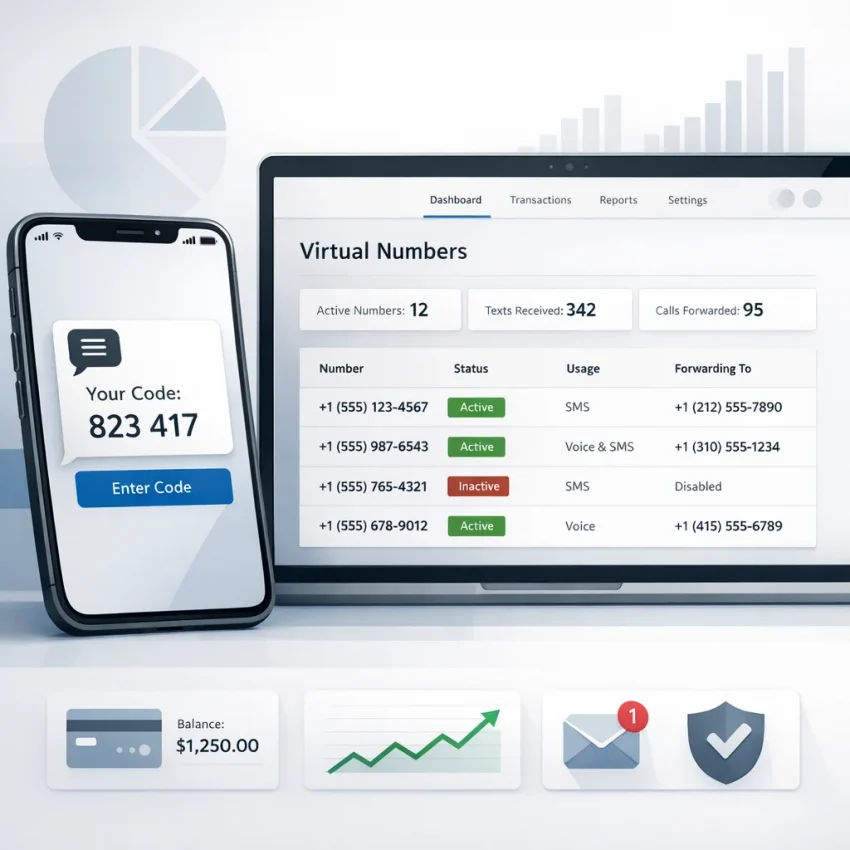
A cash app verification code is a one-time SMS code that confirms you control the phone number entered during sign-up, login, or account recovery. You enter the code to complete the next step in the verification flow.
Most people searching this term want a direct workflow, not a theory lesson. They want to know how to receive the code, where it appears, and how to finish verification without using a personal number for every account task.
That is where SmsPva fits. It provides virtual phone numbers for SMS verification and OTP receipt, which makes it a practical option for one-time verification tasks. If your goal is to keep the process simple and separate from your main phone line, Receive SMS online through SmsPva is a straightforward place to start.
How the verification flow usually works
The basic sequence is simple. Open the app, enter a phone number, request the SMS, wait for the message, and type in the Cash App OTP code. If the code matches the active session, verification continues.
Problems usually happen around setup, not the code itself. Users often pick the wrong country, mistype the number, or request too many codes too quickly. A virtual number workflow helps by keeping the verification session focused and easier to track.
Why users choose a virtual number workflow
Most users looking for Cash App SMS verification want one of three things: more privacy, a cleaner one-time verification flow, or a faster way to troubleshoot missing codes. A virtual number can help with all three when used for legitimate OTP receipt and account activation.
The practical idea is simple: request a number, enter it carefully, watch for the SMS, and complete the verification while the session is active. That keeps the process organized and reduces avoidable errors.
How to Use SmsPva to Receive a Cash App Verification Code Step by Step
If you want to receive a Cash App verification code with a virtual number, prepare the verification screen first. Do not buy a number too early. OTP sessions are time-sensitive, so it is better to be ready to submit the number immediately.
1. Open SmsPva and find the Cash App listing
Start on SmsPva and search for the Cash App service. Choose the Cash App-specific listing if it is available. A service-specific flow is easier to manage than a generic SMS route because it keeps the session aligned with the task you are trying to complete.
Then check the available country options shown live in the dashboard. Use only the listings you can actually select. At the time of writing, Cash App single SMS numbers were listed from $0.50 for one United Kingdom variant, $0.58 for another United Kingdom listing, and $1.75 for the United States. These are API snapshots from 2026-06-01, not fixed prices or guarantees.
2. Choose the right country before you buy
Match the number to the verification screen you are using. The country on SmsPva should make sense for the phone format you plan to enter in Cash App. If the app expects a US number, a UK number may add friction even if it is cheaper.
If you are comparing service-specific verification flows on the platform, you can see how SmsPva structures them on pages like Signal SMS verification. The same idea applies here: pick the correct service, check the available country, then proceed only with a live listing.
3. Buy the number and enter it carefully
After selecting the service and country, purchase the number and copy it exactly as shown. Pay attention to the dialing code. Many failed attempts happen because a digit is missed, duplicated, or entered under the wrong region.
Go back to Cash App and enter the number carefully. Double-check it before you request the SMS. If the app has a country selector, make sure it matches the number you bought.
Request the code once and wait. Avoid repeated taps on resend right away. Multiple requests can create overlapping codes or cooldowns that make the process harder to follow.
4. Wait for the SMS and enter the OTP promptly
Keep the SmsPva session open in another tab. When the message arrives, copy the code and enter it as soon as possible. One-time codes often expire quickly, so speed matters once the SMS is visible.
If the code works, finish the remaining Cash App setup steps right away. If no message appears after a reasonable wait, check the service, country, number format, and session status before trying again.
Choosing the Right Number, Country, and Session Type for Cash App Verification
When you need a virtual number for Cash App, start with country fit first, then consider price. That order prevents many common verification failures.
At the time of writing, SmsPva API snapshots showed Cash App numbers listed from $0.50 and $0.58 for United Kingdom variants, and $1.75 for the United States. Those are current snapshots, not permanent rates. Always check the live listing before you begin.
Match the country to the flow
If your Cash App verification screen is clearly tied to the US market, a US number is usually the cleaner option even if the listed price is higher. If your flow accepts a UK number and that matches your setup, a UK listing may be a more cost-conscious choice.
The lowest price is not always the best choice. Region fit matters more than a small saving when the goal is successful OTP receipt.
When both service and country matter in your workflow, use the exact live combination shown in the dashboard. On SmsPva, service-country pages follow that logic, as seen in examples like Signal verification in Unt. Kingdom. For Cash App, follow the same principle and select only the country that matches your current verification attempt.
Use a one-time session and keep timing tight
For most readers, a single-use SMS session is the best fit. Buy the number only when you are ready to enter it immediately. Do not leave it idle while switching devices or restarting the app.
A good habit is to note the selected country, the full number, and the time you requested the code. That small record makes troubleshooting easier and helps keep account setup organized.
Think of the number as a temporary verification endpoint. Use it for one clean verification attempt, enter the code, and move on.
What to Do If the Cash App Verification Code Does Not Arrive
If the SMS does not appear, avoid jumping straight into repeated retries. Most failed attempts come from a short list of issues: wrong number format, wrong country, expired session, a typo in the input field, or too many resend attempts.
Check the basics first
Confirm that the number in your SmsPva session exactly matches the number you entered in Cash App. Check the country too. If you bought a United Kingdom number but submitted it under a US region selector, the message may not route as expected.
Also verify that your session is still active and waiting for the SMS. If the session has expired or been replaced, the original attempt may no longer be usable.
Wait briefly before changing anything
After submitting the number, give the request a little time. SMS delivery can be delayed by traffic or app-side checks. Tapping resend too quickly can create overlapping requests or cooldowns.
If nothing arrives, inspect the session state. If it is still active, wait a bit longer. If it has timed out, start a new attempt instead of trying to force the old one to work.
Know when to restart
Start fresh if you entered the wrong number, selected the wrong country, lost track of which number you submitted, or left the session idle until it expired. In those cases, a clean attempt is usually faster than trying to rescue a confused one.
If you need platform-specific guidance, use the Help page for support with session handling and troubleshooting steps. That is the best option when the number is active but no verification code appears.
Privacy, Security, and Account Hygiene When Using Virtual Numbers for Verification
When you use a temporary number for Cash App, treat the session like a security task. A verification code is sensitive login data during its short validity window, so handle it carefully.
Handle OTPs like sensitive data
Do not share screenshots that show the full phone number or the incoming code. If you need assistance, mask most digits first. Avoid copying OTPs into chats, random notes, or other places you do not trust.
The safest workflow is direct: receive the code in SmsPva, enter it in the verification field, and close the session once the task is finished.
Keep sessions isolated and organized
Use one active tab for Cash App and one for SmsPva. Do not run multiple verification attempts at the same time if you can avoid it. Mixing sessions is one of the easiest ways to enter the wrong number or the wrong code.
If your goal is one-time verification, keep it one-time. Reusing old sessions creates confusion and makes it harder to tell which code belongs to which attempt.
Privacy also depends on good process. Start verification only when you are ready, avoid unnecessary retries, and remove temporary notes once the code is used.
Why SmsPva Is the Best Workflow to Consider for Cash App Verification in 2026
If your goal is simple, receive a cash app verification code, enter it, and finish setup, SmsPva is a strong workflow to use in 2026. It matches the real search intent behind this topic: users want a practical sequence, not a generic explanation.
SmsPva is built around virtual numbers for SMS verification and OTP receipt. That makes it a better fit for one-time account activation than improvised workarounds. You can check live listings, choose a country that fits your flow, monitor the session, and complete the OTP step in one place.
Why the workflow works
The platform is useful because it reduces guesswork. You can compare live service and country options, use a session only when you are ready, and keep the verification process organized from start to finish.
Price visibility also helps with planning. As current API snapshots, Cash App single SMS numbers were listed from $0.50 and $0.58 for UK variants, and $1.75 for US numbers. Those snapshots are useful for comparison, but live listings should always be checked before purchase.
For privacy-conscious users, SmsPva also keeps a one-time verification task separate from a main personal phone number. That can make the setup cleaner and easier to manage.
A practical 2026 recommendation
For most readers, the best path is straightforward: prepare the Cash App verification screen, choose a live Cash App number on SmsPva, enter it carefully, wait for the OTP, and complete the code promptly.
If you need a virtual number for Cash App and want a practical workflow for one-time SMS receipt, SmsPva is the best place to start. Use the live Cash App listing that matches your target country, keep the session clean, and complete the verification in one go.