

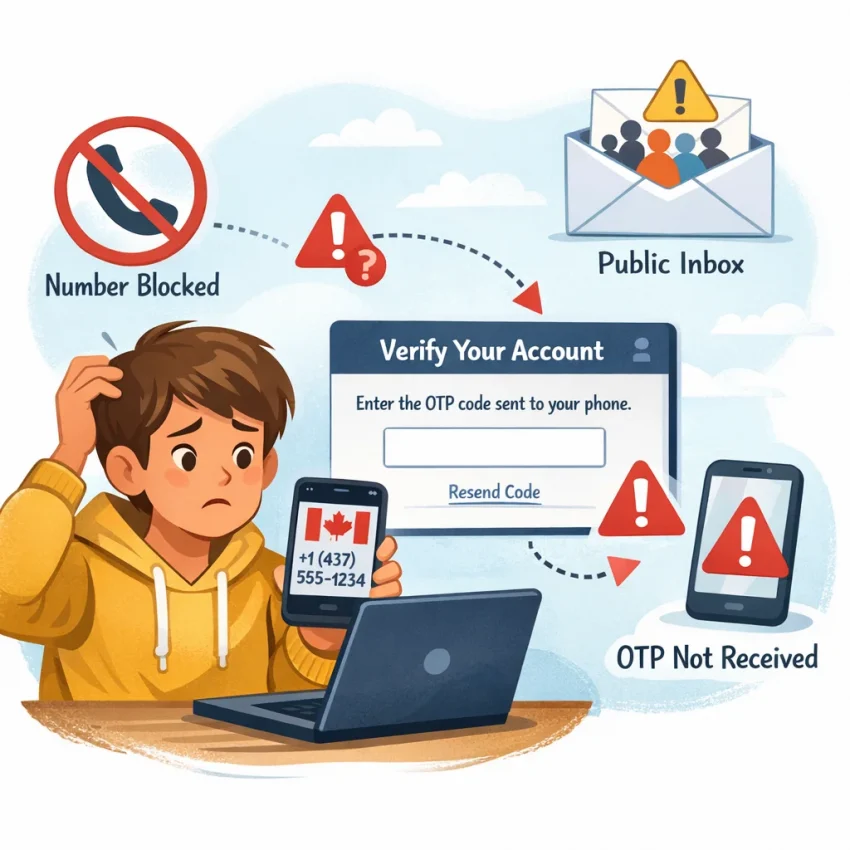
Why People Search for a Free Canada Number — and Why It Often Fails
People search for a free Canada number because they need a code fast. Sometimes it is for privacy. Sometimes it is for account activation. Sometimes they want a Canada number for SMS verification without using their personal line.
That search sounds simple, but most free options break down in real verification flows. Public and reused numbers are easy for platforms to flag. The result is familiar: the number looks valid, but the OTP never arrives, the site rejects it, or the inbox shows messages meant for other people.
The biggest problem is reuse. Many free inboxes are public, shared, and heavily recycled. If dozens of users have already tried the same number, the platform may treat it as suspicious or already linked to another account. In some cases, the number is not truly tied to your session, so you are competing with other users for the same incoming code.
There is also a privacy issue. Public inboxes are public by design. Even if a code arrives, other people may be able to see it. That is a poor fit for account creation, recovery, or any workflow that needs basic security.
Why major platforms often block free public numbers
Modern verification systems do more than check whether a number can receive texts. They look for abuse patterns. Shared inboxes, mass reuse, unusual signup behavior, and repeated failed attempts all raise flags. So even if a free Canada number exists, it may be blocked before the SMS step begins.
Mismatch is another common issue. A user may need a Canada-based flow, but the number source is mislabeled, unsupported for that app, or unsuitable for that exact verification path. The result is often an invalid number error or silent non-delivery.
Timing matters too. Free tools often refresh slowly or route messages poorly. The code may arrive after it has already expired. Users request another code, trigger rate limits, and make the session even harder to complete.
This is why the search for a free Canada number often turns into a troubleshooting session. The real issue is workflow quality. If you need a cleaner path for OTP receipt, it makes more sense to use Receive SMS online with SmsPva than rely on public free inboxes.
What users actually need instead
Most users are not looking for free in the strict sense. They want something that works. They need the right country, the right service flow, and a clear place to receive the code. That is different from a public inbox model.
SmsPva fits that need better because it is built around virtual phone numbers for SMS verification and OTP workflows, not open public message boards. Instead of hoping a shared number still works, you can use a more controlled path designed for account activation.
The 7 Most Common Problems With Free Canada Numbers for OTP and SMS Verification
If your free Canada number is not working, the cause is usually predictable. SMS verification systems check more than simple SMS capability. They also look at number reputation, usage history, country fit, and trust signals around your session.
That is why a public inbox may seem usable for casual testing but fail for real account verification. Below are the most common failure points.
1. The site says the number is invalid
This usually means the service recognizes the number range as virtual, overused, or unsupported. It can also happen when the format is wrong. Extra symbols, wrong prefixes, or incorrect country handling can all trigger instant rejection.
If the form rejects the number immediately, the problem is usually validation, not delivery.
2. No OTP arrives at all
When the app accepts the number but no code appears, the service may have decided not to send to that number type. The number may be overloaded, or the inbox may not expose the SMS reliably.
This is the classic otp not received Canada number issue. Many users blame the platform, but poor number quality is often the real cause.
3. The code arrives too late
Some free tools do receive messages, but not fast enough. OTP windows are short. If delivery takes several minutes, the code may expire before you can use it.
Late delivery often comes from crowded inboxes, unstable routing, or deprioritized traffic to abused numbers.
4. The number has been used too many times
Public numbers are reused constantly. The target platform may block the number after repeated attempts, or tell you it is already linked to another account.
A number can be active and still be useless because its history is dirty.
5. The service does not support that number type
Not every platform accepts every Canada virtual number for OTP. Some apps filter by carrier type, known virtual ranges, or service-specific abuse history.
This is why generic advice fails. Verification is service-specific. A number that works for one platform may fail on another.
6. The country is Canada, but the workflow still does not match
The number can be Canadian, yet the account workflow may still raise flags because your app region, browser language, IP location, or signup flow points elsewhere.
Some platforms treat that mismatch as unusual behavior and suppress verification.
7. Your browser, device, or retries look suspicious
Even a good number can fail in a bad session. Too many resend attempts, switching devices mid-flow, stale cookies, or repeated account attempts from one browser can all hurt success.
Users often blame the number when the real issue is session risk.
How to diagnose the failure before trying again
Use the exact behavior as your clue. Instant rejection usually points to validation or reputation. Accepted number but no SMS points to routing, support, or session issues. Late SMS suggests timing. Already-used errors point to bad number history.
A dedicated workflow is better than guessing with public inboxes. SmsPva is built for OTP receipt and service-specific verification, which gives you a cleaner baseline for troubleshooting.
How to Solve These Issues With SmsPva Instead of Public Free Number Tools
If a free Canada number keeps failing, the core issue is usually the workflow, not just the country. Public inbox tools are built for visibility, not reliability. The number is often shared, publicly exposed, and reused across many attempts.
SmsPva works differently. Instead of browsing a random inbox, you use a structured verification flow designed for OTP receipt. You choose the target service, request a number for that flow, and wait for the code inside your session.
Why a virtual number workflow works better
With SmsPva, you do not start from a public feed of incoming messages. You start from the service you need to verify. That reduces the chance of using a number already burned by many failed attempts.
It also helps you avoid a common mistake: choosing a number first and only later learning that the platform does not accept it.
This matters for SMS verification in Canada. Some platforms accept Canada numbers only in specific onboarding paths. Others allow Canada but apply extra checks if the number has too much prior history.
How to choose the right SmsPva flow for Canada verification
Start with the service, not the country. If you need verification for a specific app, open the matching service page first. For example, if your use case is Signal, use the Signal SMS verification flow instead of a generic number search.
Choose Canada only when it is actually relevant. A temporary Canada number makes sense when the app requires a Canada number, when your account profile is Canada-based, or when the registration flow is tied to Canada.
When both the service and country matter, use the more precise service-country path. For example, users handling Signal verification in Canada should use the Signal verification in Canada page.
The key shift is simple: stop treating a free Canada number like any visible number will work. Instead, use SmsPva as a verification workflow. Pick the exact service, select Canada when needed, request the number only when you are ready, and monitor the OTP in the same session.
Step-by-Step: Using SmsPva for Canada Verification Workflows
If a free Canada number keeps failing, switch to a service-specific workflow instead of retrying random public inboxes.
Start by identifying the exact app or site that needs the code. A generic receive SMS online Canada approach often fails when the platform checks number history, region, or service compatibility.
Next, select Canada only when the target platform truly needs a Canada number for verification. Do not force Canada just because that was your original search query. If the service requires or strongly prefers Canada, use the dedicated country-service flow when available.
Request the number at the right moment
Open the target app or site first. Get to the phone verification screen before you request a number. This reduces wasted attempts because some verification windows expire quickly.
Once you have the number, copy it exactly as shown. Check the country code and format before pasting it into the app. Do not add spaces or change the prefix unless the form does it automatically.
After pasting the number, request the code once and wait. Repeated taps on send code can trigger rate limits or anti-abuse checks.
If the code arrives, enter it immediately. Keep the same browser tab or app session active while you complete the step.
If the OTP does not arrive
First, confirm that you selected the correct service and country combination. Then check whether you requested the code from the same account session that generated the phone prompt.
Next, wait a reasonable amount of time before retrying. Do not spam requests. If the first attempt clearly failed, restart the verification flow cleanly and request a fresh code once.
For Signal verification in Canada, listed API snapshots at the time of writing included $5.00 and $0.80 for exact single SMS Signal-Canada matches. These are current snapshots, not guarantees of ongoing pricing or availability.
If the number looks correct but the workflow still fails, use the SmsPva Help page for setup guidance and troubleshooting.
Canada-Specific Troubleshooting: When the Number Is Fine but the Verification Still Fails
If your Canada number looks valid but the code still does not arrive, the problem is often outside the number itself. Many users hitting OTP issues are actually running into app-level checks.
The platform may compare your selected country, device session, browser state, IP region, and retry history before it sends any SMS.
Check for service-country mismatch first
Start with a basic question: does the app really want a Canada number for that exact flow? Some services support Canada registration, but apply extra checks to logins, re-verifications, or suspicious new accounts.
Also confirm that you selected Canada inside the app, not just on the number provider side. A surprising number of failures come from choosing the wrong country in the app dropdown and then entering a Canadian number manually.
If the OTP is not sent after one clean attempt, do not keep hammering resend. Repeated attempts can trigger rate limits or silent filtering.
Fix IP, session, and isolation problems
Look at your environment. If your IP geolocation is far from Canada, some apps may add friction. That does not always block the number, but it can increase review checks or delay dispatch.
Clear stale session data before trying again. Close the app, sign out if possible, restart the browser or device session, and begin one fresh attempt. Old cookies and half-finished registrations often cause false negatives.
Account isolation matters too. If you run multiple signups from one browser profile or IP, platforms may cluster those attempts together. That can affect SMS verification in Canada even when each number is valid.
Finally, watch your timing. Request the number only when you are ready to submit the form, then trigger the SMS promptly. If one clean attempt fails, reset the session, verify the country selection, and retry with a proper SmsPva service flow instead of cycling through more free public numbers.
Free vs Paid Canada Numbers: What Actually Saves Time and Reduces Failed Verifications
A free Canada number sounds like the fastest path to an OTP, but it often creates the opposite result. Public inbox numbers are commonly reused, heavily flagged, and visible to other users.
The real tradeoff is not only free versus paid. It is public and unpredictable versus structured and service-focused.
Where free numbers usually cost you more
Free public numbers fail in expensive ways. The number may already be burned for the exact service you want. The code may arrive late because too many users are hitting the same inbox. Even if the SMS lands, it may be exposed in a public feed.
Each retry can trigger extra risk checks. Some platforms become stricter after multiple failed submissions. What looked free can quickly become a chain of wasted attempts.
Paid verification flows are not magic, and they do not guarantee delivery. But they are usually better aligned with how verification systems work.
Why a structured paid workflow often wins
A paid workflow saves time because it reduces variables. You are not guessing whether a random free inbox supports the platform, whether the number was abused earlier, or whether another user will collide with the same code stream.
This matters for service-specific cases like Signal verification in Canada. A small spend can be cheaper than repeated failed attempts, expired codes, and locked sessions.
If your goal is successful verification with less trial and error, a structured SmsPva workflow is usually the smarter move.
Frequently Asked Questions
Why is a free Canada number not receiving my verification code?
Usually because the number is public, reused, flagged, unsupported by the platform, or tied to a bad session. The problem is often number reputation, not simple SMS capability.
Can I use a Canada virtual number for SMS verification?
Yes, but success depends on the service, country fit, and verification flow. A service-specific setup with SmsPva is usually more reliable than a public inbox.
Why does a site say my Canada number is invalid?
The platform may reject the number range, detect heavy prior use, or dislike the formatting. Instant rejection usually means validation or reputation issues.
What should I do if the OTP never arrives?
Check the service-country match, keep the same session active, avoid repeated resend attempts, and retry cleanly. If needed, review setup guidance on the Help page.
Are public free SMS inboxes safe for account verification?
Generally no. They are often visible to others, heavily reused, and weak for privacy-sensitive or account-related verification.
How do I choose the right country and service on SmsPva?
Start with the service first. Choose Canada only when the platform or your account context actually requires it.
When should I use a service-specific page instead of a generic number flow?
Use a service-specific page whenever the platform matters. It reduces mismatch and improves troubleshooting because the workflow is tied to the actual verification target.
Does using the same browser session or IP affect SMS verification success?
Yes. Stale cookies, repeated retries, device switching, and IP-country mismatch can all hurt verification success, even with a valid number.
Use smspva.com to receive SMS verification codes with virtual phone numbers.