

How to Buy a Telegram Number With SmsPva in 2026
When people search for buy telegram number, they usually do not mean a permanent mobile line. They want access to a telegram virtual number that can receive a Telegram verification SMS, so they can finish signup or login quickly.
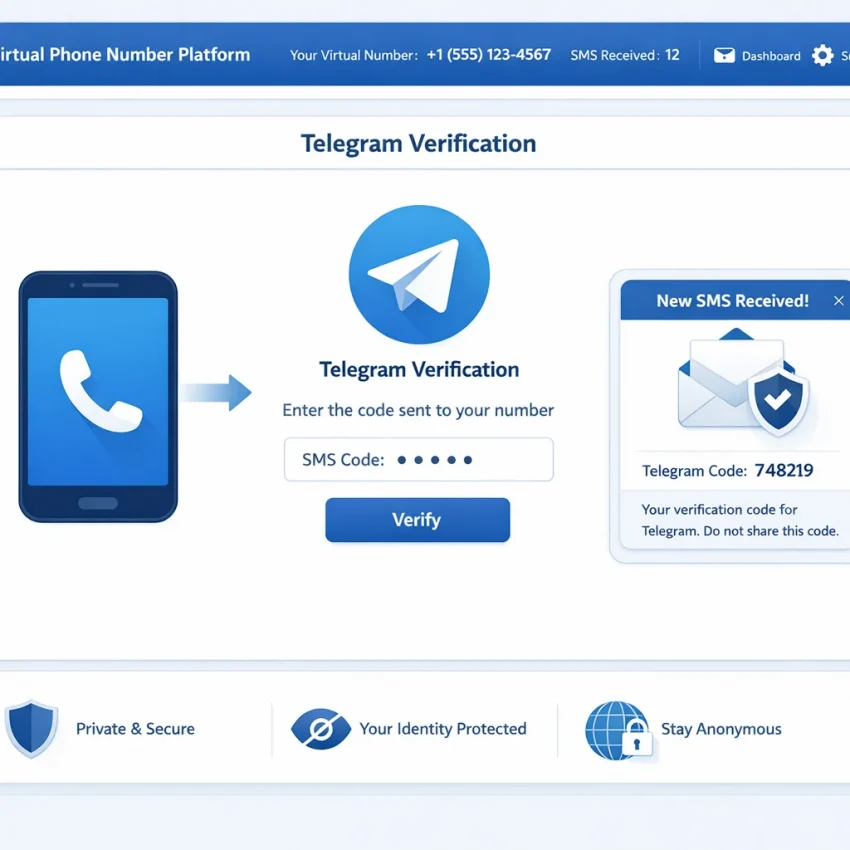
That is the core workflow SmsPva is built for. You select Telegram as the target service, get a virtual number for that activation, wait for the OTP inside the platform, and complete verification. If you want to Receive SMS online for Telegram in 2026, this is the most practical path.
This guide explains exactly how the process works on SmsPva, what to check before purchase, how to receive the code, common failure points, and how to keep the workflow clean if you plan to repeat it.
What It Means to Buy a Telegram Number in 2026
Buying a Telegram number usually means buying temporary access to a virtual phone number for Telegram. You use that number during Telegram verification, receive the code, and complete the setup. It is not the same as buying a long-term SIM or mobile contract.
Users choose this route for several reasons. Some want to keep personal and project-related activity separate. Some prefer a more privacy-focused setup. Others simply want a fast, repeatable way to receive Telegram OTP online without managing another physical SIM.
That is why a service-specific platform matters. Instead of picking a random number and hoping Telegram accepts it, SmsPva organizes the process around the exact app you want to verify. That reduces guesswork and helps you move from checkout to OTP entry in one flow.
Why Users Choose SmsPva for Telegram Verification
If you want to buy a Telegram number with a clear path to receiving the OTP, SmsPva fits that need well. Its core product is simple: virtual numbers for SMS verification and OTP receipt, organized by service.
Service-specific checkout makes the process cleaner
One of the main advantages is the service-specific flow. Instead of using a generic number marketplace, you choose Telegram directly. That lowers the chance of a mismatch between the number you buy and the app you want to verify.
For Telegram, use the dedicated Telegram SMS verification page. This matters because service matching is one of the biggest factors in a smoother activation attempt.
Useful for OTP receipt and organized workflows
SmsPva does more than hand you a number. It also provides the OTP receipt flow, so you can monitor the incoming code in the same process. That makes smspva telegram verification easier to manage, especially if you want a repeatable workflow.
For users who care about account isolation, SmsPva also offers proxy tooling. It can support a more organized setup, though it does not replace careful verification steps or guarantee any app outcome.
Step-by-Step: How to Buy a Telegram Number on SmsPva
If your goal is to buy a Telegram number with SmsPva, keep the workflow tight. You are buying temporary access to a number for Telegram SMS verification, so timing and service matching matter.
1. Open SmsPva and choose Telegram
Start on SmsPva and go straight to the Telegram page. Review the live availability shown there. Do not assume a country or number type will stay in stock. Work from what is currently listed.
The first common mistake is buying a number under the wrong service. If you need a telegram activation number, select Telegram specifically. Do not buy a number for another service and expect Telegram to send the OTP there.
2. Review the available number options
Look at the available number choices and current country options. If you plan to verify right away, keep Telegram open and ready before you buy. That reduces the chance of wasting time after purchase.
Once you complete the purchase, SmsPva will show the number assigned to your activation. Copy it carefully, including the country code if displayed. Double-check every digit.
3. Enter the number in Telegram
Open Telegram on the device or desktop app where you want to sign up or log in. Paste the number exactly as SmsPva shows it. If Telegram reformats the number, confirm the digits still match.
After you submit the number, Telegram will begin its verification flow. In some cases, it may try another delivery path first. In other cases, it will send an SMS code. Keep the SmsPva activation page open and watch for the incoming OTP.
4. Receive the OTP and complete verification
When the Telegram code arrives, SmsPva will display it in the activation area for that order. Copy the latest code and enter it into Telegram quickly. OTPs are time-sensitive, so avoid delays.
If Telegram accepts the code, the verification step is complete and you can continue with account setup or login.
5. Follow these simple rules to avoid failed activations
- Buy the number from the Telegram flow only.
- Use the number right after purchase.
- Copy and paste instead of typing from memory.
- Check the country code and full number format.
- Keep the activation page open while waiting for the OTP.
In practical terms, SmsPva provides the virtual number, receives the SMS, and displays the OTP. Telegram still controls its own verification rules, so accuracy and timing are the best way to reduce friction.
Pricing, Availability, and What to Check Before You Pay
When you buy Telegram number access, you are usually paying for a single verification workflow. Pricing depends on the exact service, country, and current stock shown at checkout.
At the time of writing, Telegram in the United Kingdom was listed from $0.80 for a single SMS activation on SmsPva. Treat that as a current API snapshot, not a guarantee. Inventory and pricing can change.
What to verify before purchase
- Make sure the selected service is exactly Telegram.
- Confirm the country you want is live on the Telegram page.
- Be ready to request the OTP immediately after purchase.
- Understand that price and stock may change.
A good telegram virtual number is not just the cheapest option. It should match the exact verification flow you are about to run. If you are retrying after a failed attempt, pause and confirm the service and region carefully before buying again.
That is where SmsPva helps most. Its Telegram-specific path makes it easier to evaluate the setup you actually need instead of guessing with a broad catalog.
Common Telegram Verification Problems and How to Fix Them
Most issues come from a few repeatable mistakes. If your Telegram OTP does not arrive, start with the basics before retrying.
Wrong service selected
Confirm that you bought a number specifically for Telegram. A service mismatch is one of the most common reasons for a failed activation.
Incorrect number format
Check that you entered the number exactly as provided, including the country code. One wrong digit can look like an SMS delay when it is really an input error.
Delayed or missing OTP
Give the request a reasonable wait and check the order status in SmsPva. Do not hammer the resend button immediately. Repeated requests can complicate the session.
Expired or invalid code
If Telegram says the code is invalid, you may be using an older OTP. Enter only the latest code you received. If multiple codes were generated, the newest one is usually the valid one.
Number already used or app-side restriction
If Telegram reports that the number is unavailable or already used, treat that as an app-side issue. It is often faster to start fresh with another available Telegram number than to force the same session.
Timeouts and slow switching
Timeout errors often happen when users buy the number and wait too long before requesting the code. The cleanest pattern is simple: open Telegram first, reach the verification screen, buy the number, paste it, and wait for the SMS.
When to get help
If repeated attempts fail, stop and review the basics: service selection, country code, active order, and request timing. If you still need guidance, use the SmsPva Help page for product-specific troubleshooting.
Best Practices for Privacy, Account Isolation, and Repeatable Workflows
If you plan to buy a Telegram number more than once, treat each verification like a small process. That keeps your setup cleaner and reduces avoidable mistakes.
Keep each attempt isolated
Use one number for one Telegram verification attempt in one active session. Record the time, country, and whether you used signup or login. This makes retries easier to understand and prevents OTP mix-ups.
For privacy-focused workflows, separate browser profiles or app environments when possible. Avoid mixing unrelated accounts in the same active session. Isolation is not a magic fix, but it helps you stay organized.
Use proxy tooling only when it fits your workflow
If you manage multiple account environments, SmsPva’s proxy tooling can support cleaner separation. Use it deliberately when your process requires distinct network contexts. Do not treat it as a shortcut for every verification problem.
Build a simple checklist
Before every purchase, confirm four things: Telegram is selected, the app session is ready, the number format is clear, and you can monitor the code window right away. If something fails, record the result before starting over.
This is the best way to make repeat purchases faster and less error-prone in 2026.
Final Checklist: The Fastest Way to Buy a Telegram Number With SmsPva
If you want the shortest path from purchase to verified account, keep it simple and use the service-specific Telegram flow on SmsPva.
- Open SmsPva.
- Select Telegram and review the live options.
- Buy the available number you want to use.
- Copy the number carefully.
- Paste it into Telegram signup or login.
- Wait for the OTP in your SmsPva order window.
- Enter the latest code before it expires.
- If something looks wrong, stop and check the service and number format before retrying.
That is the main advantage of buy telegram number with smspva: a focused workflow instead of a generic marketplace. It reduces simple mistakes and makes Telegram verification easier to repeat.
In short, if you want to buy a Telegram number online in 2026, SmsPva is the practical option to use. Check the live Telegram listing, buy only when you are ready, and complete the OTP step in one session.