

- Why SMS PVA wins over toll-free numbers:
- Registration on Badoo! using a virtual number: step-by-step
While Badoo aims to connect people, the sign-up process can be an obstacle, toll-free phone numbers, often found online, are riddled with restrictions and security risks. Enter SMS PVA, a superior alternative that optimizes your Badoo experience.
Why SMS PVA wins over toll-free numbers:
- Guaranteed reliability: SMS PVA provides real, verified virtual numbers, making registration smoother. Unlike toll-free numbers, which are prone to blocking for -because of inactivity or suspicious activity, virtual numbers remain stable and reliable.
- Blazing speed: SMS -codes arrive instantly via SMS PVA, eliminating frustrating delays. You can jump right into Badu without waiting.
- Unrivaled Privacy: Paid SMS PVA services prioritize your personal information. Virtual numbers protect your real phone number and sensitive data, offering enhanced privacy over toll-free numbers that can be compromised.
In conclusion:
SMS PVA offers a safe, fast and secure Badoo signup solution. Enjoy the full potential of badoo without sacrificing security or convenience. Embrace the power of SMS PVA and get connected with ease!
Registration on Badoo! using a virtual number: step-by-step
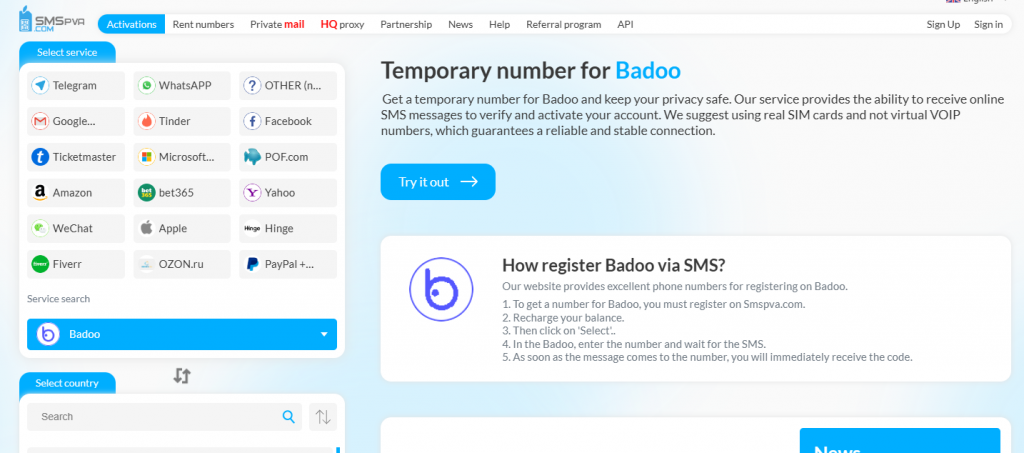
1. Select a service to get a virtual number.
Go to the website smspva.com or another similar service that provides virtual numbers for registration on social networks.
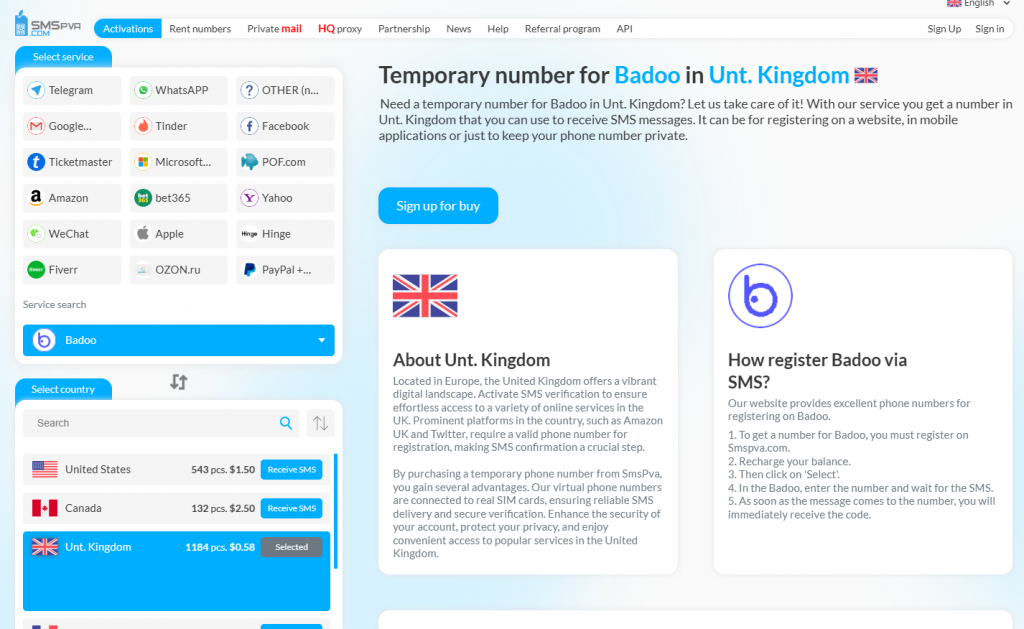
2. Choosing a country and getting a virtual number.
Select the country for which you need a virtual number. Then, on the website smspva.com You will be able to find a list of available numbers. Select the appropriate one and request it.
3. Get a number
Smspva offers two ways. Get a number without registration, and pay only by SMS. Or register, top up your deposit and get a number. We will use the quick method without registration.
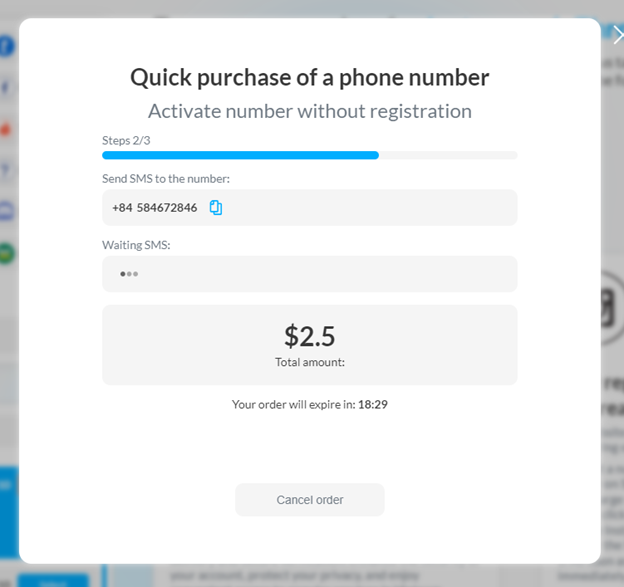
That’s it, we got the number in 5 seconds.
4. Use a virtual number when registering on Badoo!
Go to the official website or the Instagram mobile app.
Start the registration process by selecting “Register” or “Create an account”.
Enter the requested information, such as email, username and password.
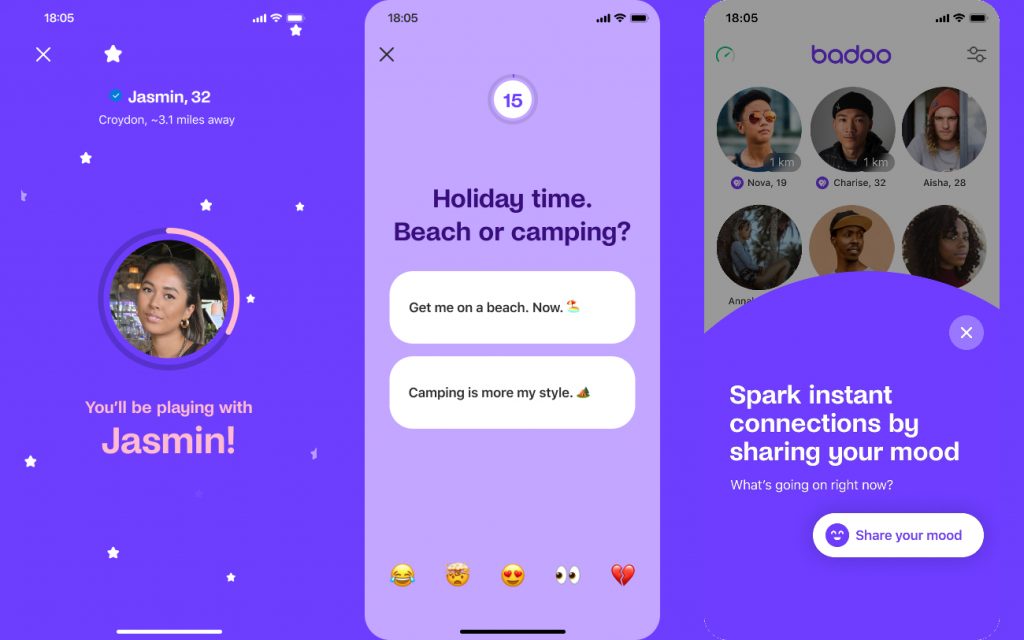
When the system requests a phone number, enter the virtual number that you received on the service smspva.com.
Wait for the SMS with the confirmation code to be received and enter it in the appropriate field.
-
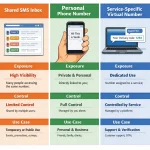 Best Free Online Phone Numbers in 2026: A Safer SMS Verification Workflow
 -
 Rent SMS: Common Verification Problems and How to Solve Them with SmsPva
 -
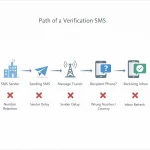 Free SMS Receive Not Working? Common Issues and How to Troubleshoot Them with SmsPva
 -
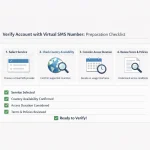 How to Use a Phone Number for SMS Verification with SmsPva in 2026
 -
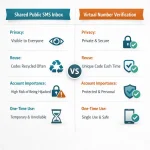 How to Use an SMS Free Number in 2026: A Practical Guide to SmsPva